EE TV – Unboxing & First Impressions
I have been well versed with Telewest Cable, experienced many revised TV Set Top Boxes & remain subscribed to the now named Virgin Media – Tivo service.
I’ve also had plenty of experience with Sky +HD until a year ago where I cancelled my subscription, I have utilized my Samsung Smart TV to the best of its ability & own a Sky NowTV (a rebranded Roku), Playstation 3, Xbox 360, Xbox One, Raspberry Pi , along with a multitude of freeview/freesat boxes & a multiple Android based TV boxes and a few receivers.
I recently signed up to EE Broadband, for no other reason other than the price was the same as I was currently paying and they were willing to give a free EE TV Box & an EE Tablet. (£10/month, excluding BT line rental.)
I really wasn’t expecting much, these boxes are usually a small/cheap plastic box that simply plug into a broadband connection & try to sell additional services with the added perk of maybe having a YouTube application installed and if very lucky, Netflix.
Please note, this is a Freeview box, so you do not get premium channels such as Sky One / Sky Sports, it does require an Antenna & does not get its broadcast televsion from a broadband connection.

So, My EE TV Box arrived – The package was bigger than I expected, so I preceded to rip it apart & plug it in…
-
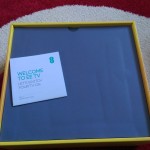
- Welcome to EE

-
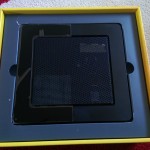
- Top view – Large Vent

-
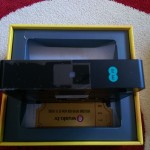
- Front view

My initial impression of the EE Set top box, with a metal frame construction it certainly feels a lot more solid and weighty than other boxes I’ve seen/used.
-
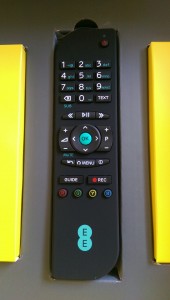
- Remote – Front (In Box)

-
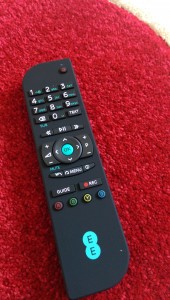
- Remote – Front

-
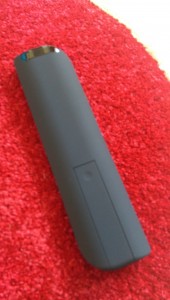
- Remote – Rear

After removing the set top box from the packaging, I was pleasantly surprised to see the EE TV Remote.
the remote appears to be a fully functional remote control with rubberised plastic feel, not a simple cheap throwaway minuscule device as found on many other products – this is full remote control, easily on par with that of remote’s from Virgin Media / Sky TV.
-
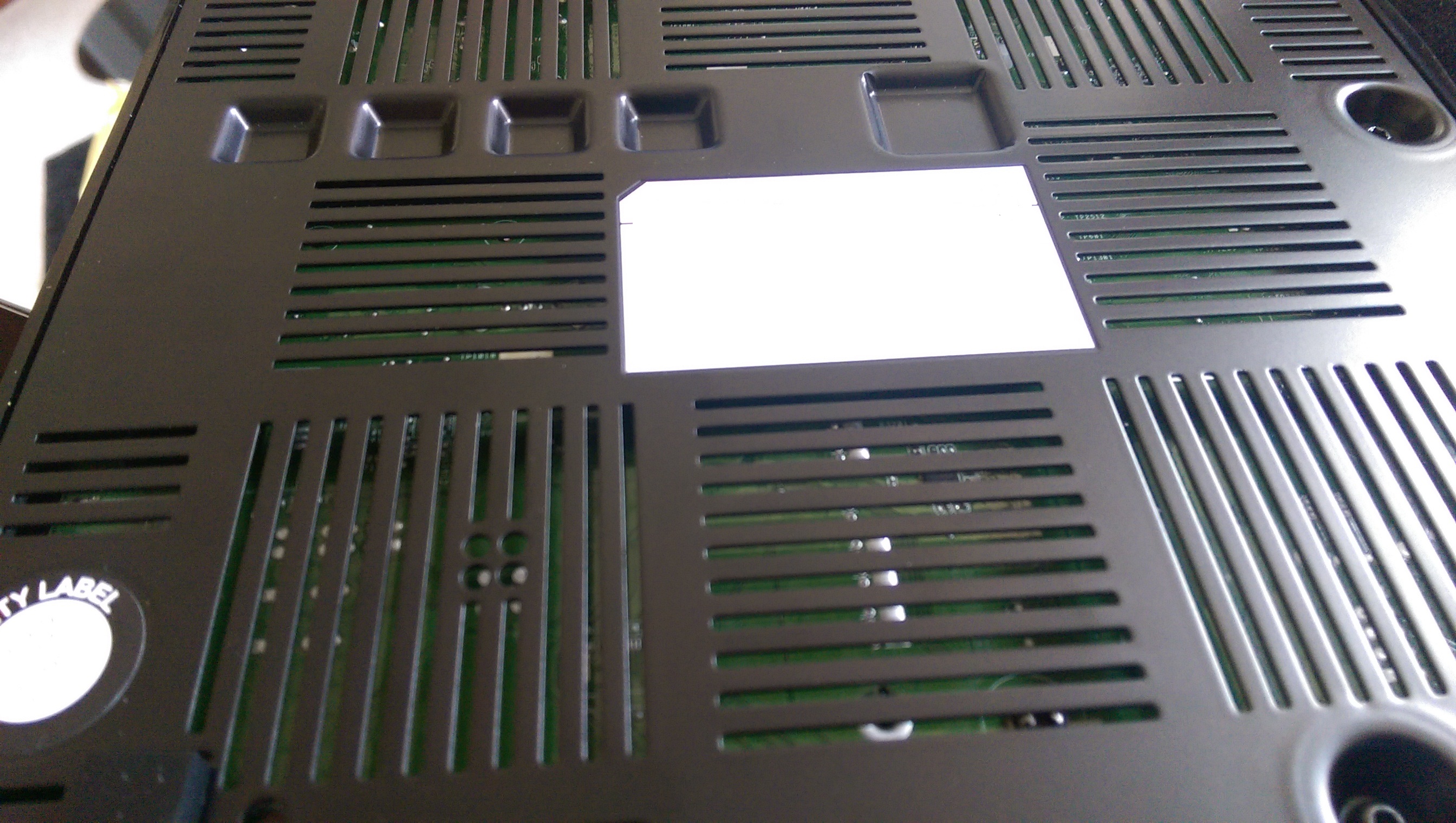
- Underside – Vents
-
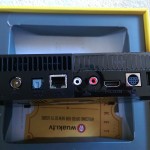
- Rear Shot (All Ports)

-
- Front view
-
- Top view – Large Vent
Checking out the box itself,
I was pleasantly surprised by the ports on the back of the box, it appears to have everything needed for the majority of households & a bit more and is WiFi enabled, while it may not look quite as attractive as some other boxes & it’s a quite bit bigger than say a Roku & the box is very heavy in venting, it’s clearly designed to be remain cool/functional rather than to set any fashion trends.
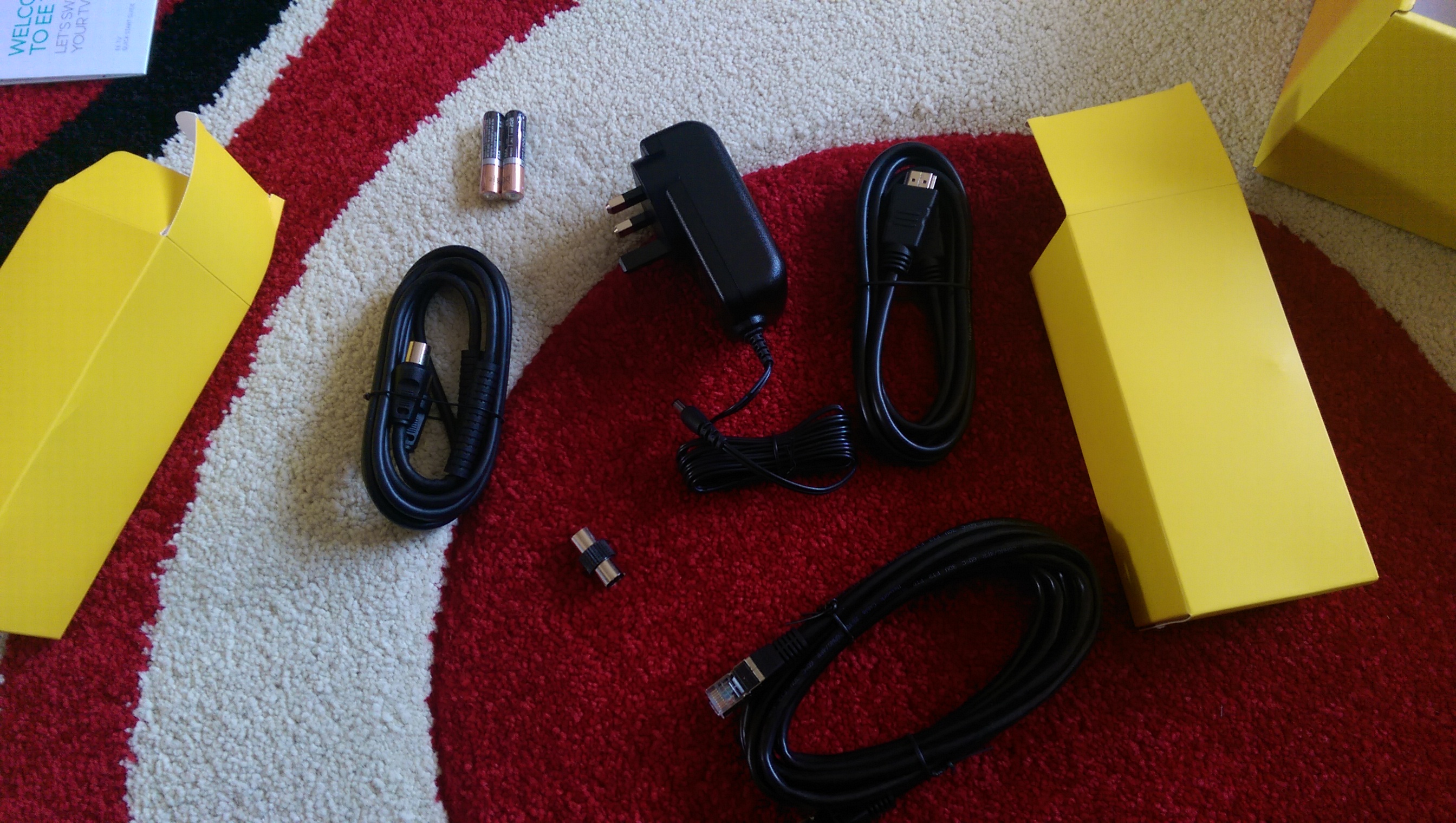
Duracell Batteries, Antenna Cable, Female/Male Converter, Power, HDMI, Cat5e Network Cable
Supplied cables were very good, the supplied network cable had quite a generous length on it meaning placement wasn’t much of an issue & the HDMI Cable also seemed a good length, the power cable on the other hand was just slightly too short for my liking.

EE TV Box – Front View
After plugging in the device for the first time & powering on, I instantly noticed the large unfortunate/cheap looking green LED on the front of the box – which I’ve now learnt is not able to be disabled via Settings & flashes when using the remote control.
Now, On to the set up process…
Please note the following cables are connected: Power, HDMI, Network & Antenna
-
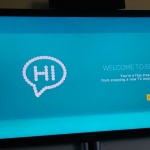
- Welcome to EE TV

-
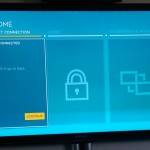
- Internet Connected

-
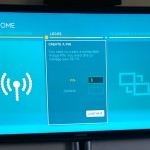
- PIN

-
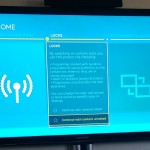
- Parental Controls On/Off
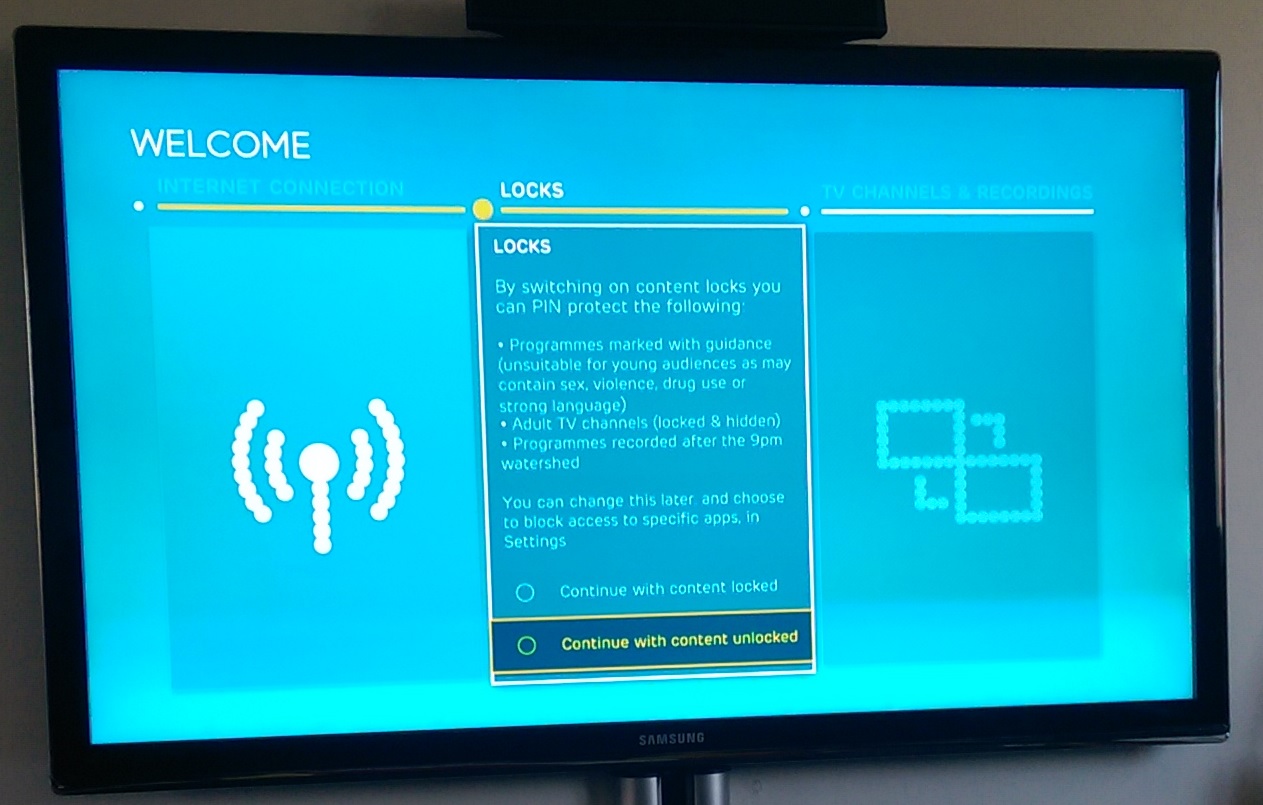
-
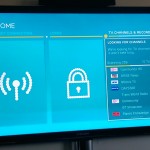
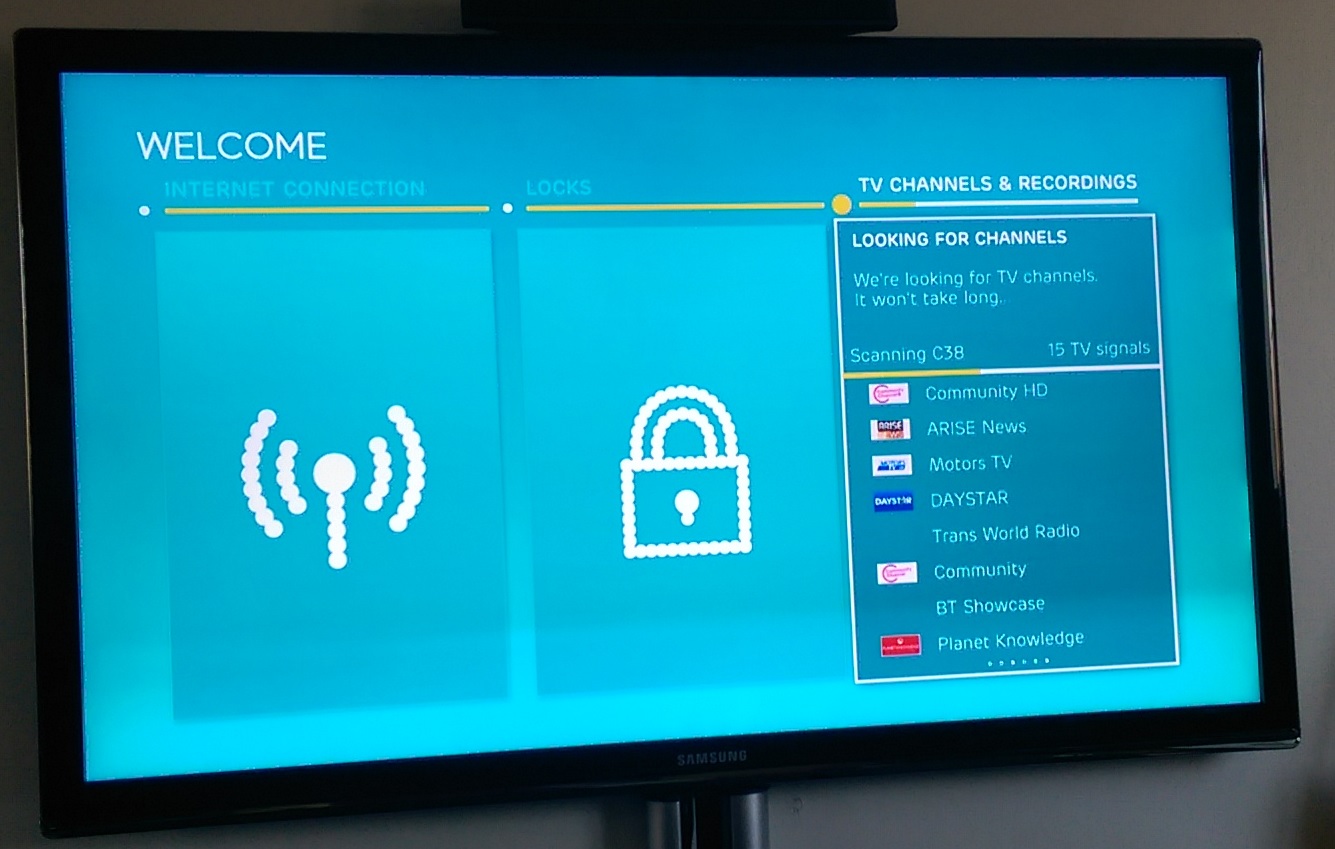
- Scanning for Channels
-
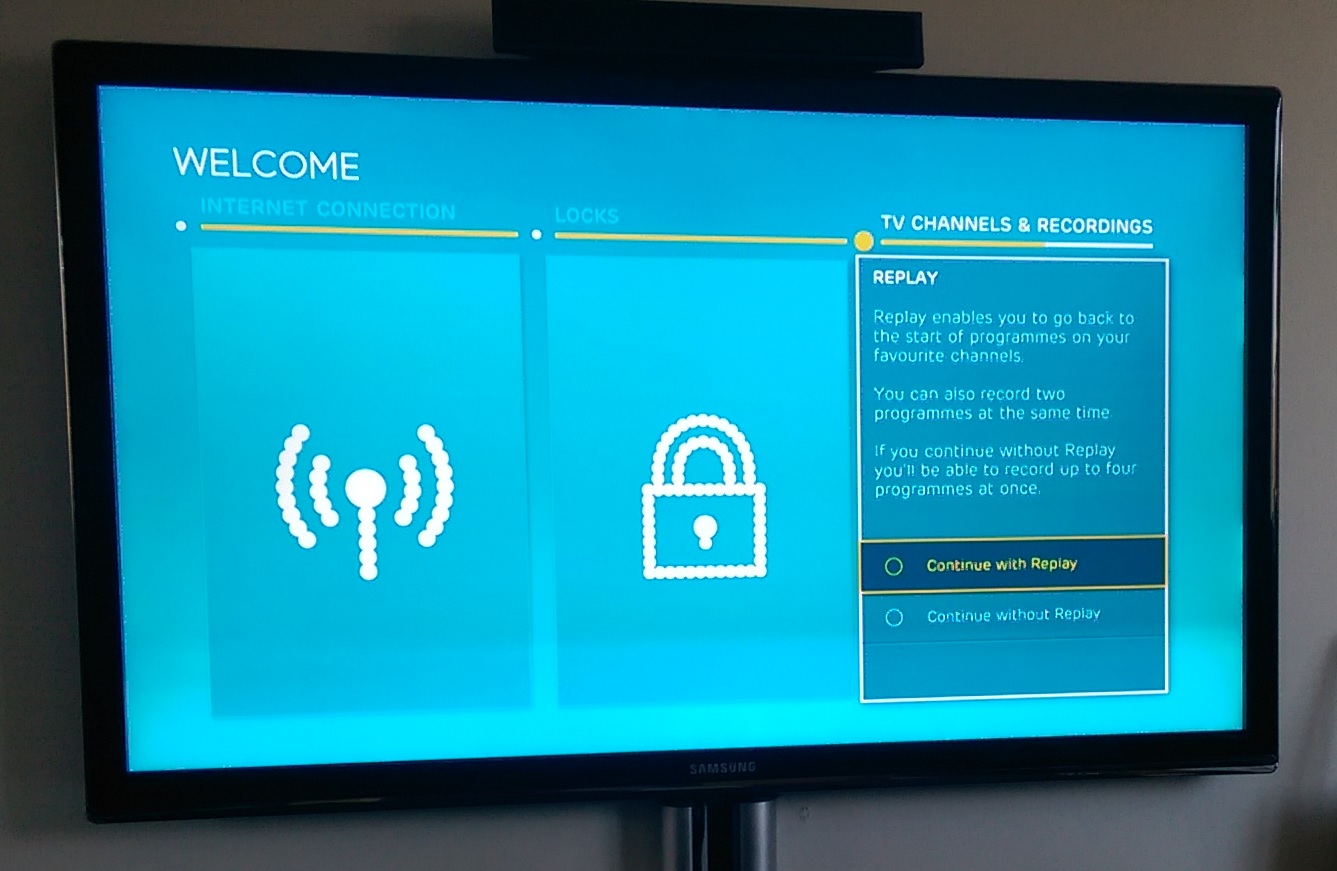
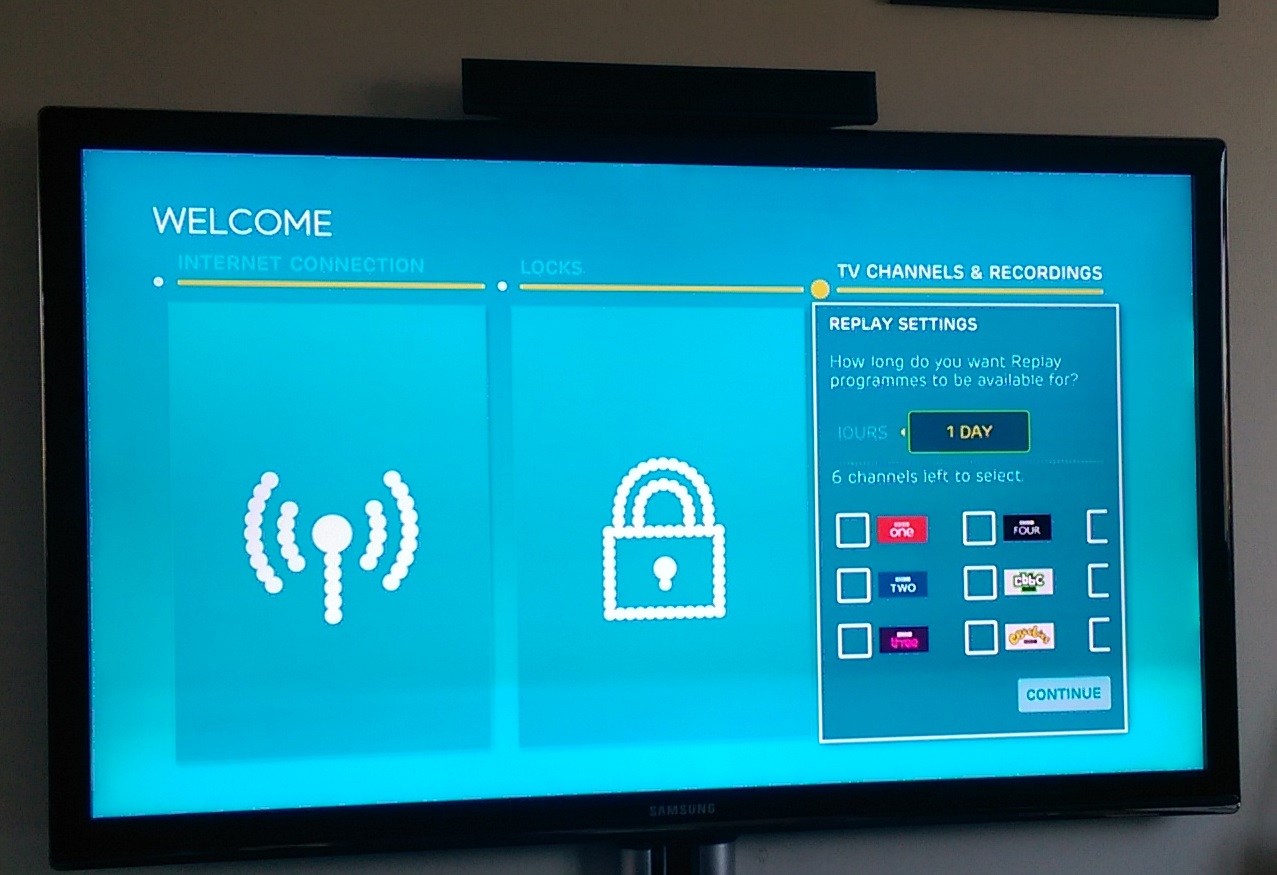
- Replay On/Off
-
- Replay On – Channel Selection
-
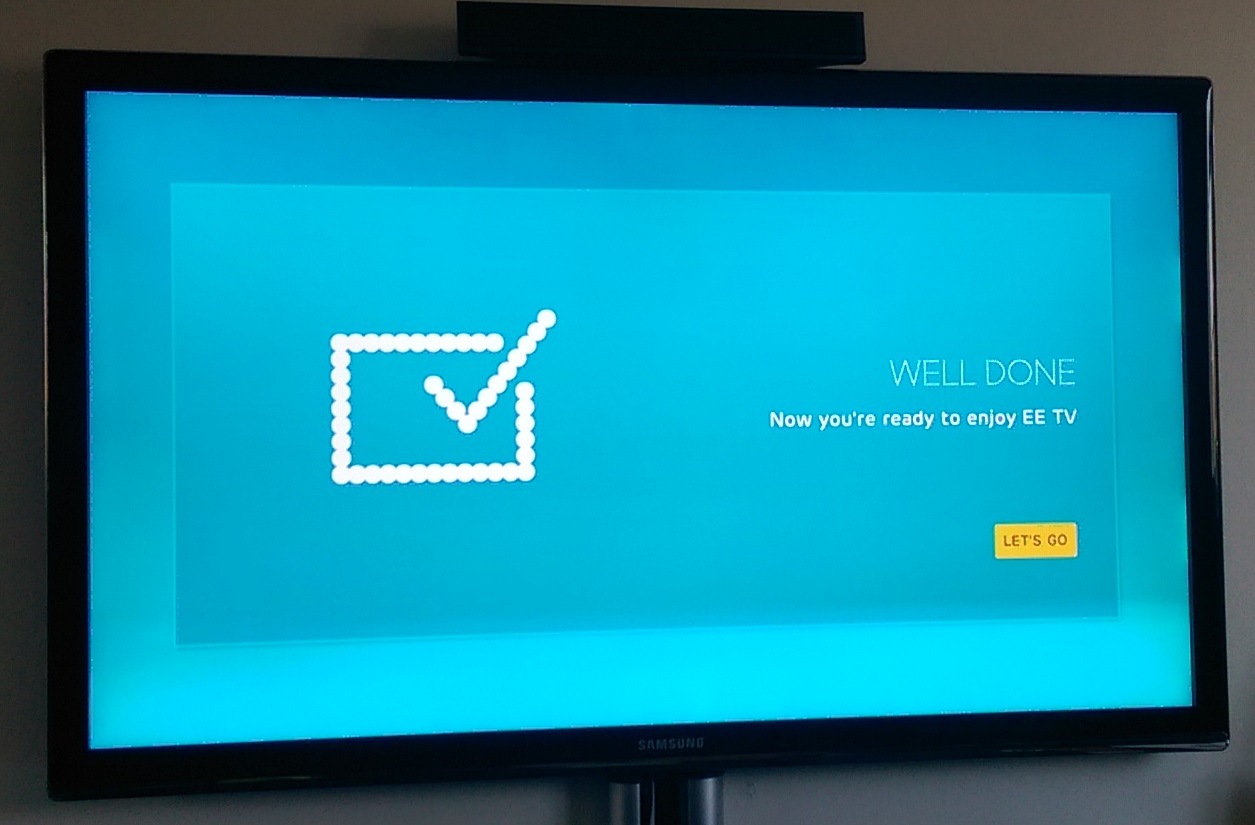
- Well Done – Setup Finished
-
- We’re done.
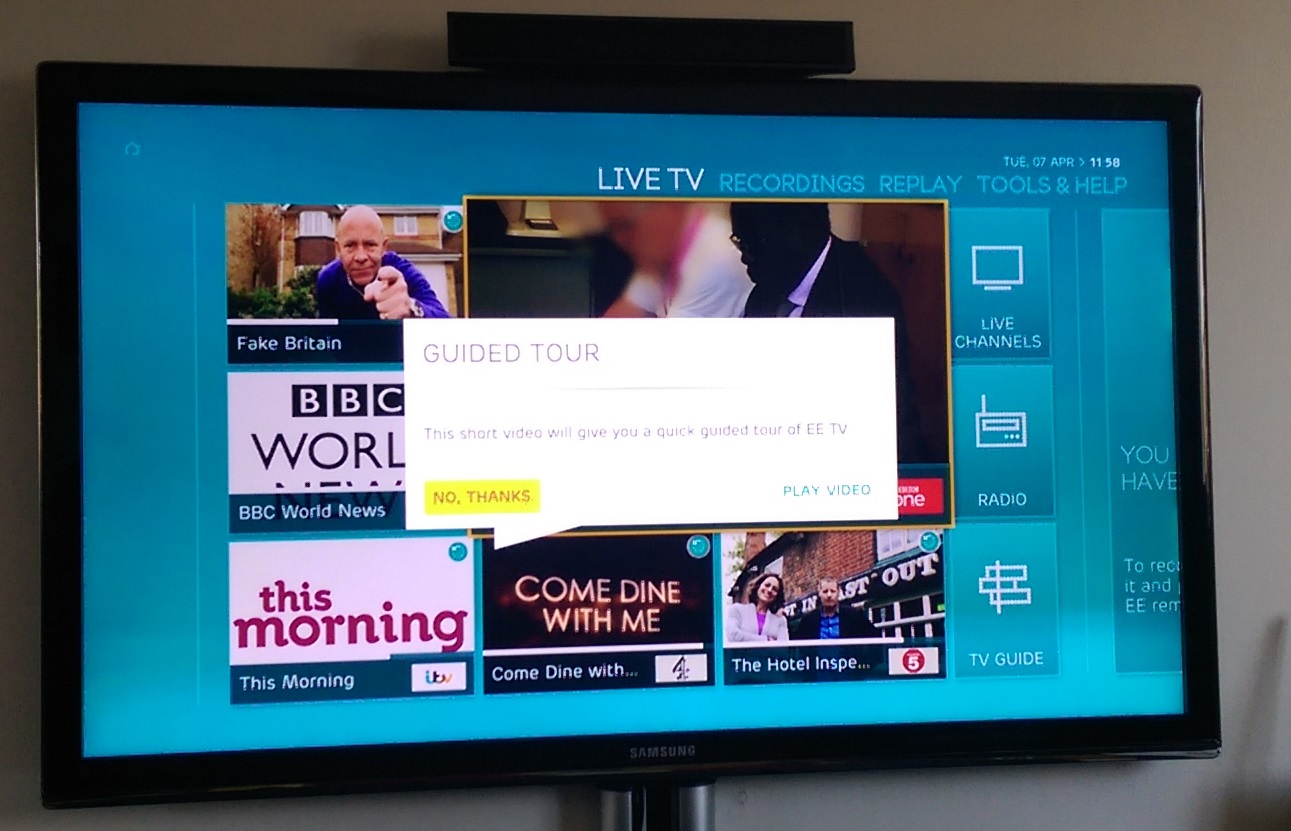
Initial set-up was very easy, simply following the on-screen guide users really can’t go far wrong, Welcome to EE / Setup a PIN for parental controls / Scan etc
After just a couple of minutes the device was set up & ready to go,
After the box has scanned for channels, it asks weather you want “Replay” functionality enabled or not.
Replay means the box is constantly recorded up to 4 channels at all times for up to 24 hours so you can go back and watch TV Programs from earlier in the day with ease & no need to use catch up services or burden your internet connection with streams.
-
- Recorded Shows

-
- Tools Menu

-
- Live TV menu

With the device fully powered up, tuned in, and ready to go – the User Interface is very quick and feels very fluid certainly, up there with Sky’s set top box, Virgin Media’s Tivo unfortunately is quite clunky/dated.
the UI appears easy to use, the TV Guide seems fully functional and able to record a show or a series although it’s slightly slower that I’d like to load information but this could be easily improved upon in future updates.
-
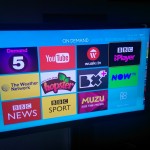
- Pre-Installed

-
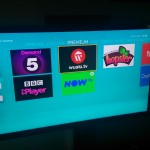
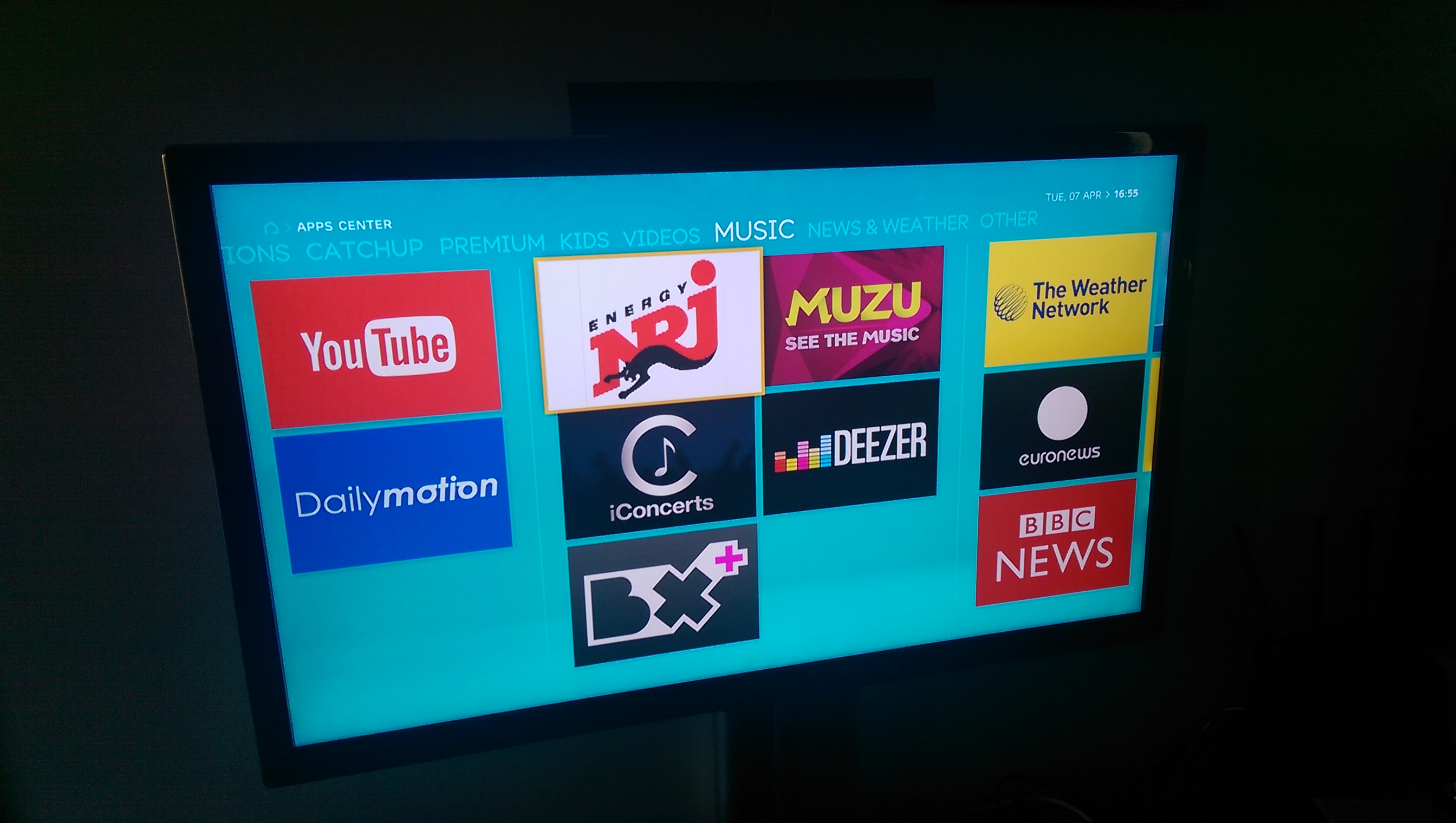
- App Center Page 1
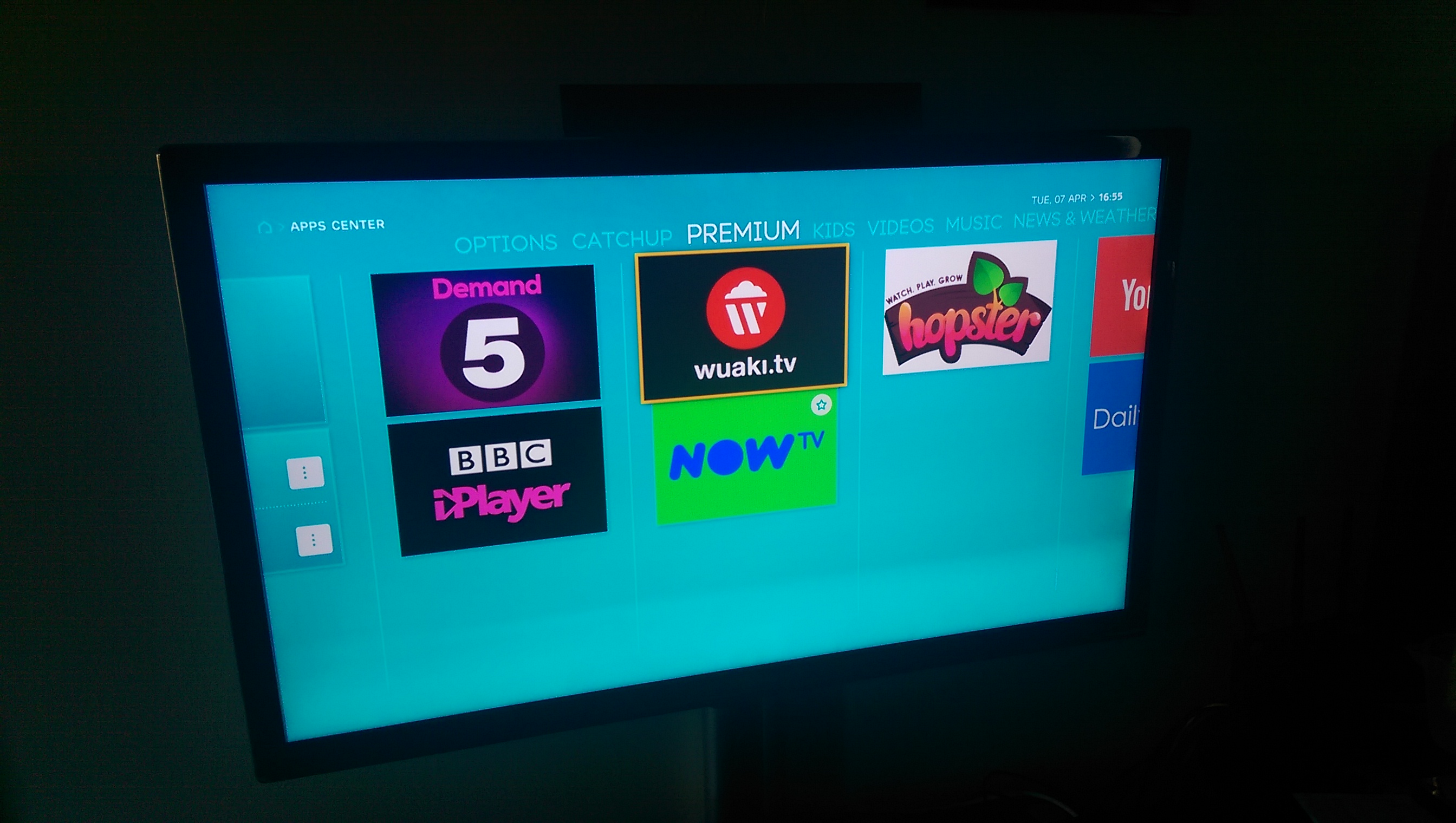
-
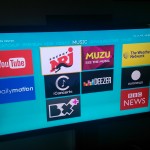
- App Center Page 2
-
- App Center Page 3
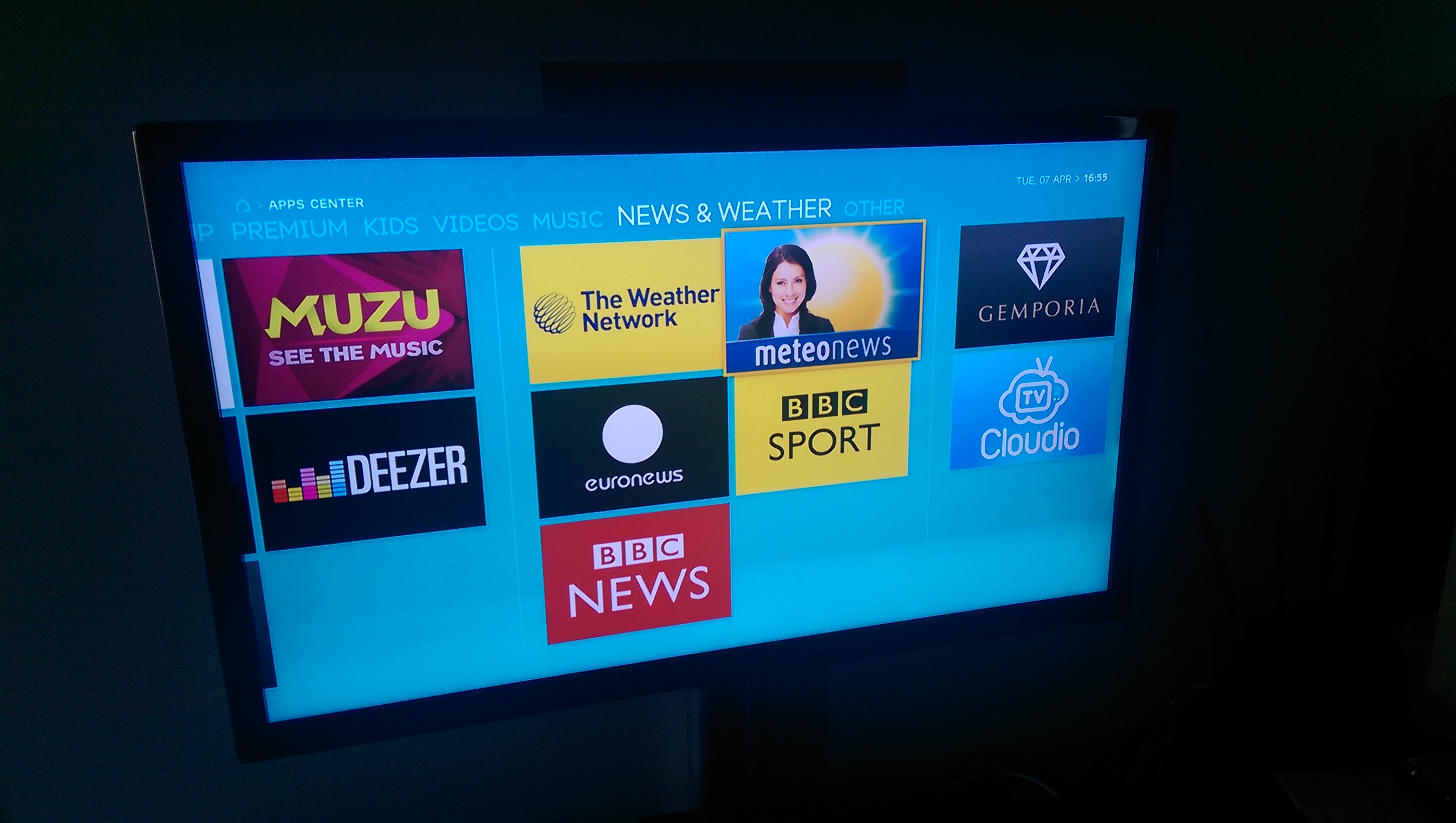
Now for the Apps, the box comes with iPlayer, Youtube & a few other applications included plus an App Center for users to get other applications – however the apps here do seem quite sparse and I see no sign of Netflix, ITV, 4oD – A quick googling has revealed these are much demanded Applications along with NowTV (which is now implemented) so it’s quite possible they’ll be coming in time, as this service is fairly new I think it’s only fair to give it some time.
Sales-Advertising
So far, I’ve been jumping through the UI and bouncing around the channels & have not seen any advertising or subtle dialogues trying to make me sign up to other services, which gives a very premium feel to the experience.
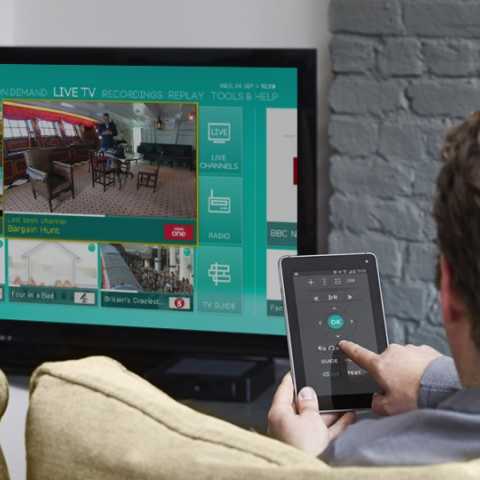
EE Tablet + EE TV
The box also claims to have tablet integration allowing it to stream Live TV to a tablet & stream movies from the tablet, although my tablet has yet to arrive so I’m yet to test this but, if I’m impressed I’ll no doubt do another impressions article on it.
Overall, This box is a lot more than I expected & its a solid Freeview TV PVR Box with all the bells & whistles, once EE can sort out Netflix I’d say it’s by far and away the best box I’ve used & considering its completely free to Existing EE Broadband customers and if you’re a new customer provided you’re willing to get a free EE Sim Card & top it up with £5, you instantly become “Existing Customers” and are eligible for the deal, my local EE Store were more than willing to do this for me.
Pros:
- Solid build
- Excellent Remote
- Very slick, smooth UI
- No advertising in the UI
Cons:
- No hdmi-cec support
- Aesthetics leave a lot to be desired.
- Irritatingly large green LED promises to distract/annoy.
- No Netflix at time of article being written
About the Author

Blank3k: I love talking about technology, but I always try to keep things realistic & informative.
-
 Tidal – The New Music Streaming Service
People have no doubt heard about the “Tidal” music streaming service event in which many popular music artists signed there names to the service. If not – then... -
 The SSD Revolution – 10TB SSD with 3D NAND Technology
In a joint announcement Intel & Micron have said they have begun production of 3D NAND Technology, and are expecting the technology to hit the shelves within a...