Windows 10 – What to expect
Microsoft has been churning out Windows 10 updates for preview users for a few months now, and there are quite a few changes being made to both the front & the back ends of the operating system.
While the changes are too many to list, here are just some of the new features you should to expect to see in Windows 10.
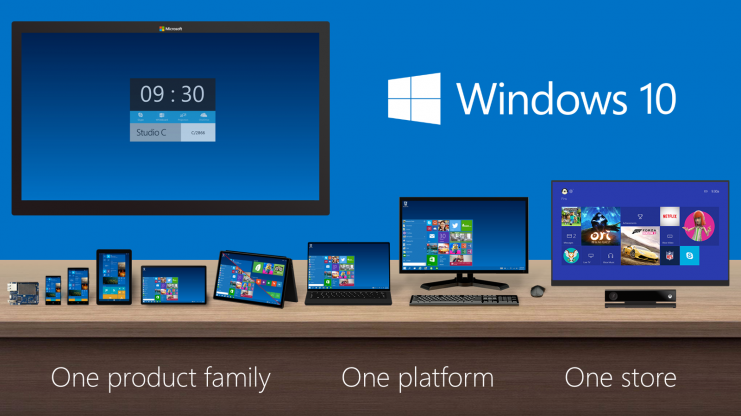
The “One” System
Windows 10 is Microsoft’s project to unify all platforms, be it PC, Laptop, TV, Phone, Tablet, Console or even Holographic.
Windows 10 is the platform for everything.
DirectX 12
This is huge! However I’ll keep it short & sweet. DirectX 12 is a new graphical API from Microsoft that’s launching with Windows 10.
The new API is built especially for multi-core CPU/GPU’s. Every DirectX API to date has been tweaked & refined, with some adjustments made for multi-core systems, However it’s never really been able to utilize hardware to its full potential. Even the most well optimized games usually only utilized Core #1 doing 80% of the workload while the other cores tinkered away with whatever is left. This poor utilization meant un-optimized / demanding games would begin to slow down and suffer poor frame rates.
That all changes in DirectX 12. With DirectX 12 the workload is now shared out evenly between every CPU & GPU Core on a system. This even distribution of workload means a lot of systems will see a 50% performance increase right off the bat, while also opening up a world of potential for visual & optimization improvements in the future.
Virtual Desktops
So you have multiple desktops to switch between – much like a smart phone where you can swipe between pages, with different icons.
You can now switch between desktops which I’m sure will be very useful for people who use there PC’s for both Work, Home & Game use.
Spartan Browser
Microsoft has finally abandoned Internet Explorer and started over fresh with an uncluttered, fresh browser built from the ground up for Windows 10.
Cortana
Microsoft’s Voice Assistant – Cortana is now built right into the OS & Spartan Browser.
This means Cortana is available from your taskbar at any time, ask her a question and she’ll find the answers without ever having to touch a button, and as for her Spartan integration when you visit websites for example a restaurant her icon will flash – Tap it and she’ll give you the reviews, location, and contact details for that restaurant without having to track down the information yourself and all without ever having to leave the page or deal with any unsolicited pop ups or new tabs.
Also with Cortana in Spartan if you Highlight a word, right-click & hit “Ask Cortana” she’ll bring up a small bubble containing Dictionary information.
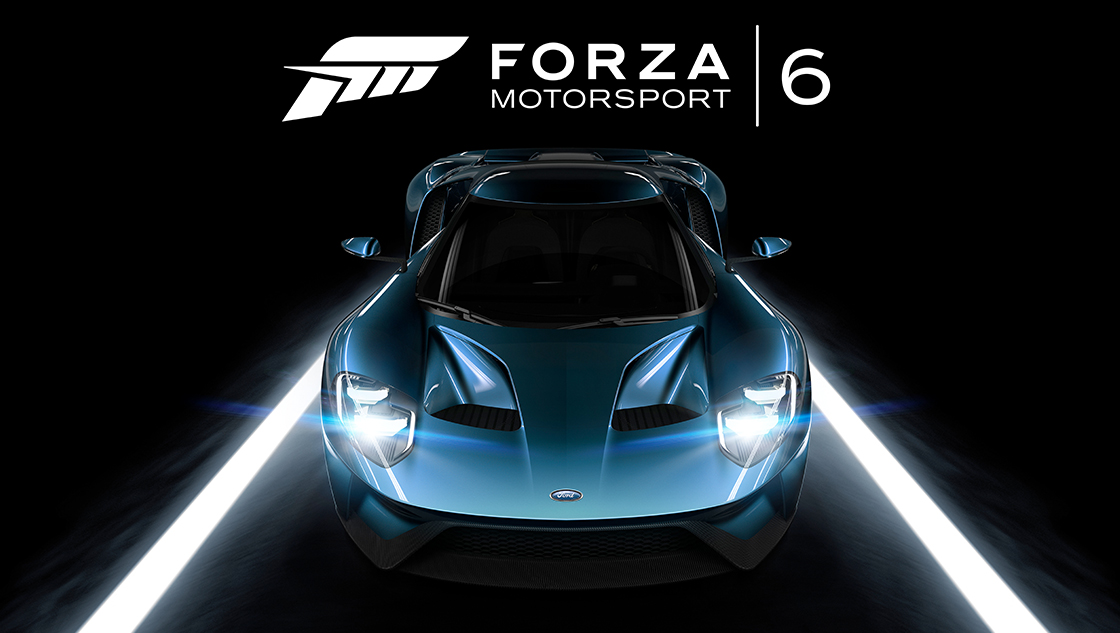
Xbox Integration
Windows 10 includes an Xbox Application built-in so you can stay connected with friends on Xbox Live, see what game they’re playing, send/receive game invitations, view recorded game clips, as well as being able to record & share your own PC gameclips.
Xbox Live is also included with Windows 10, although there is no “Gold” subscription required for Multiplayer like you see on current Xbox consoles, however at this time we do not know if this means Microsoft plans to drop the Gold requirement for console multiplayer.

Cross-Platform Multiplayer
Microsoft experimented with this in the past on games like Shadowrun, where PC & Console users could play together in multiplayer sessions, now it would seem Microsoft is making a push for cross-platform play with Windows 10.
Not every game will feature cross-platform play, but one of the first known titles to support this will be Fable: Legends, a F2P game where 4 “Good” players team up to take on an “Evil” god player who lays out enemies throughout a world map that the players must battle to reach the end without being killed in the process.
Cross-Purchasing
Purchasing content on the PC automatically unlocks it for the console, meaning you no longer need to purchase the same DLC twice to play it on your home PC & your console.
Although, this is a developer decision and not enforced by Microsoft it will be interesting to see how many developers get on board.
Game Streaming
Windows 10 also includes the ability to Stream games to a platform over a local network, meaning you can play an Xbox One game on your home console and stream it to your PC or Tablet, however if this includes PC to Console is currently unknown.
And in the most recent bits of news to hit the headlines....
Peer-To-Peer Updates
The most recent news to come out of the updates for Windows 10 appears to be the inclusion of (optional) Peer to Peer updates. Some users may find it encumbering but it is optional in the update settings so if you want to just take updates it from Microsoft’s servers as usual you can.
Alternatively you can use P2P and hopefully achieve faster download speeds while helping ease some stress on the Microsoft’s server infrastructure in the process, one of the more interesting features of this implementation is the ability to download Apps/OS updates from PC’s on a local network.
That means if you have a computer environment with multiple PC’s one user can download it the traditional way and then the other computers connected to the same network can grab it from the one which has already downloaded it.
This means most users will see much faster downloads as you would be using internal network speeds rather than using external bandwidth & allow the external connection to maintain a smooth and responsive connection for gaming/streaming.
Finger Print, Iris & Facial Recognition
Microsoft seems to want to end the reliance on passwords, and now comes with built-in Finger Print, Iris & Facial recognition – This of course will require specific hardware that will probably only be seen at-least initially on the high-end market but over time I have no doubts that this will filter down to the mainstream.

This operating system is certainly promising a lot, and should they ever be able to make it a reality, could potentially derail a lot of other projects from rivals that have been giving Microsoft a hard-time over the past couple of years.
About the Author

Blank3k: I love talking about technology, but I always try to keep things realistic & informative.
-
 EE TV – Unboxing & First Impressions
I have been well versed with Telewest Cable, experienced many revised TV Set Top Boxes & remain subscribed to the now named Virgin Media – Tivo service. I’ve also had plenty of... -
 Tidal – The New Music Streaming Service
People have no doubt heard about the “Tidal” music streaming service event in which many popular music artists signed there names to the service. If not – then...